Modern World ·
The Invisible Design of Autoplay
Continuing no longer requires a choice. Stopping does.
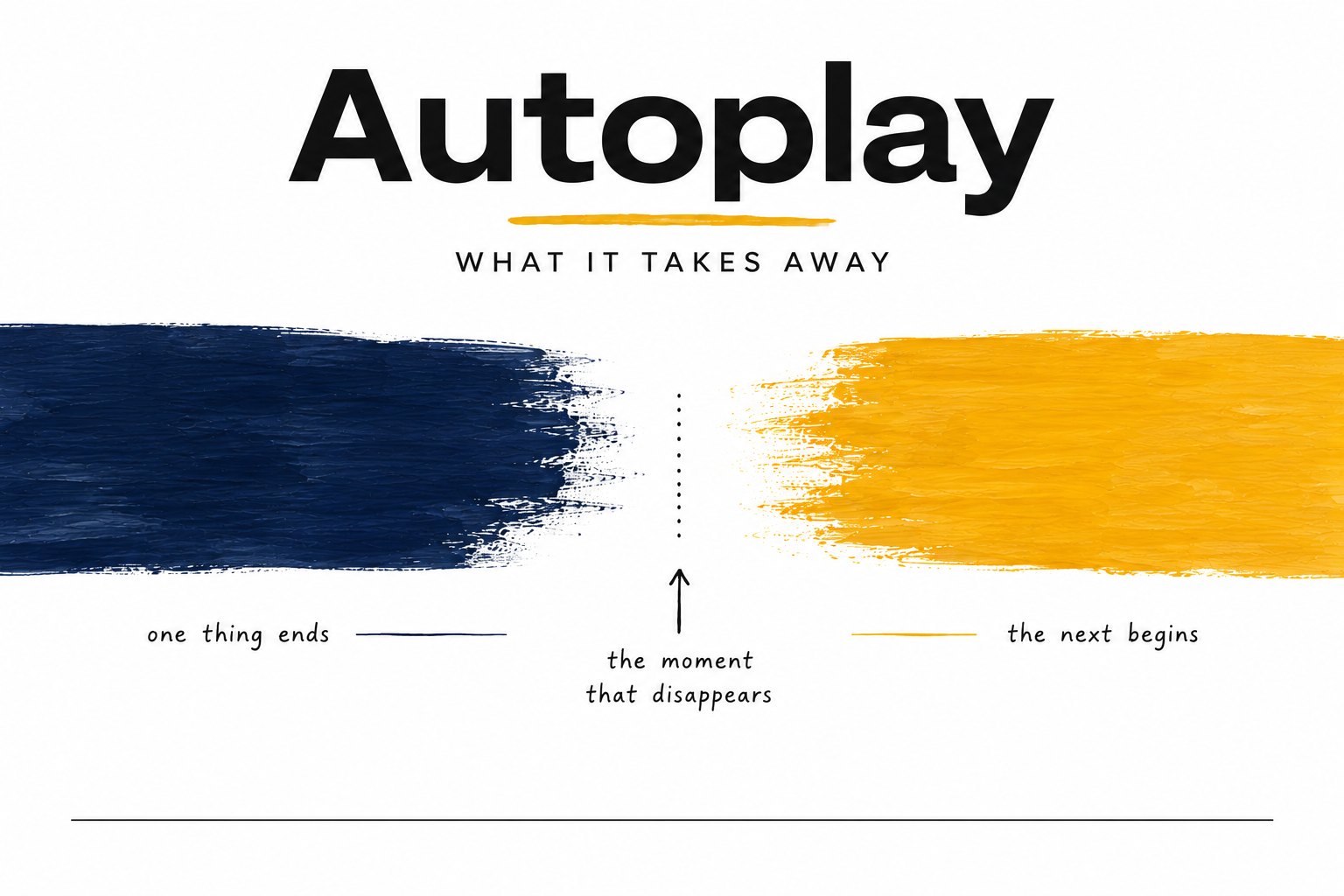
Every video ends.
Or at least the video does. Increasingly, the experience doesn’t.
Before autoplay, the end of a video created a small interruption. The screen went still. Nothing happened until someone decided what came next. Watch another. Get up for a glass of water. Answer a question from across the room. Decide you’re finished.
Autoplay changes that sequence. Instead of waiting for a decision, the software begins the next video on its own. The viewer is still free to stop it, but the default has flipped. Continuing no longer requires a choice. Stopping does.
That sounds like a small distinction.
It’s the entire feature.
Autoplay isn’t really about playing another video. It’s about removing the pause between one piece of content and the next. That pause rarely lasts more than a few seconds, which is why it’s so easy to overlook. But it does something important. It’s the moment attention returns to the viewer. Before another story begins, there’s a brief opening to ask: am I finished, or do I want more?
Autoplay answers that question early. Not by forcing anyone to continue, but by assuming continuation unless someone interrupts it.
Software designers would describe this as removing friction. Every extra click, every decision, every pause is another place where someone might leave. If the goal is a seamless experience, removing those interruptions makes perfect sense.
Sometimes that’s genuinely useful. A music playlist on a road trip is meant to keep going. Nobody wants to unlock a phone at seventy miles an hour to start the next song.
But not every interruption is a problem waiting to be solved.
Some interruptions are where we practice making decisions.
Childhood is full of small endings. The last page of a book. The final piece of a puzzle. The bird feeder filled. The dishwasher emptied. The golf bag packed. Each one quietly asks the same question: what comes next?
That question isn’t dramatic. It’s ordinary. And because it’s ordinary, children answer it hundreds of times without anyone noticing. Those moments are where they begin directing their own attention instead of responding to whatever arrives. They learn to recognize completion, to pause, and to choose the next thing on purpose.
For adults, autoplay’s assumption is easy to miss. We understand what the software is doing, even if we rarely think about it.
For children, it’s simply how the world works. One video becomes another. One episode becomes the next. The transition is so smooth it can feel as though there was never a transition at all.
Autoplay doesn’t remove the practice of choosing entirely.
It just offers fewer chances at it.
The useful part is that this design only stays invisible as long as nobody points at it.
The next time a video ends, watch the screen with your child. There’s usually a countdown in the corner. Three, two, one. Point to it. Ask a simple question: who decided the next video would start?
Kids answer that one quickly, and they find it interesting. Somebody built that. Somebody chose the countdown length, chose which video comes next, chose that stopping would take a click and continuing would take nothing. Once a child can see the choice that was made for them, they can start making their own. Some families turn autoplay off in the settings together, which is its own small lesson: the defaults aren’t laws.
No speech required. Naming the design is enough.
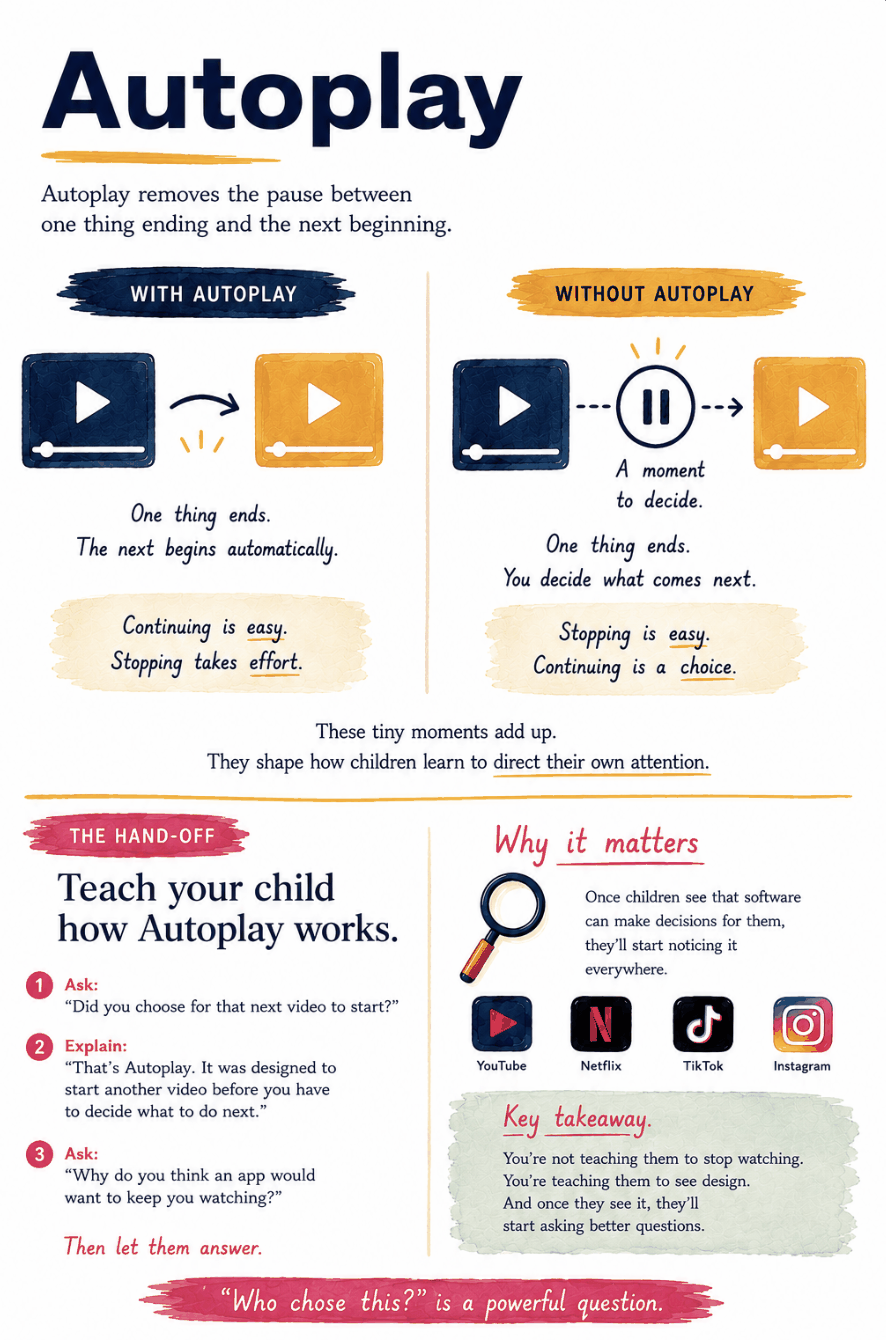
Autoplay teaches that something else is always ready.
The pause teaches that the next step can belong to you.